

What if you could automate the repetitive tasks that quietly eat your valuable time? AI workflow automation tools help you do exactly that. For example, imagine automatically updating your CRM system with new customer information from emails—no manual copying and pasting required. When automation is set up thoughtfully, it will save your valuable time. To build effective automation, it’s important to understand what is AI and how AI works so that you have a clear grasp how these tools process your data.
I’ve been playing around with AI workflow automation tools for a while, mostly to simplify everyday work and avoid repeating manual steps. What I’ve learned is that not all tools are built for you. Some are designed for speed and ease of use, while others trade simplicity for flexibility and control.
In this guide, you’ll explore five AI workflow automation tools that actually help you automate boring, repetitive work—along with a clear guide to help you decide which tool fits your workflow. Are you ready? Let’s get started.
Quick overview the best AI workflow automation tools
- Zapier: for beginners who want no-code automation with 8000+ integrations
- Make: for small teams needing visual control over complex workflows
- n8n: for technical teams that want self-hosted and flexible automation
- Gumloop: for AI-first workflows that rely heavily on LLMs and data extraction
- Relay.app: for non-technical teams building AI agents with human control
How I selected the best AI workflow automation tools
Choosing a good AI workflow automation tool is not about picking the most powerful platform on paper. What matters is whether the tool actually fits how you work, how much complexity you want to manage, and how reliably it runs once set up. Here’s what I focused on while selecting these tools.
- Practical automation value. I looked for tools that meaningfully reduce repetitive work in real workflows—moving data, triggering actions, handling follow-ups, or coordinating tasks across apps—without creating new problems to manage.
- Ease of use versus depth. Some tools are built for quick setup, others for complex logic. I prioritized platforms that are clear about who they are for and do that job well, rather than trying to be everything at once.
- AI that’s actually useful. AI features needed to support real tasks, such as processing text, making decisions, and handling unstructured data. AI for marketing alone wasn’t enough; it had to improve the workflow itself.
- Control and reliability. The best automation tools make it easy to see what’s happening under the hood. I look for platforms that let you quickly debug workflows, monitor runs, catch mistakes early, and maintain full control as your automation needs expand.
- Real-world fit. I also evaluate how well these tools work in daily scenarios: do they offer predictable pricing, integrate with the right apps, support teams of different sizes, and scale up without adding headaches or hidden complexity?
Together, these criteria helped me narrow the list to tools that are practical, trustworthy, and worth exploring today. Now that you understand how I choose these tools, let’s look at each tool in detail, starting with Zapier.
Zapier: No-code workflow automation for ease of use
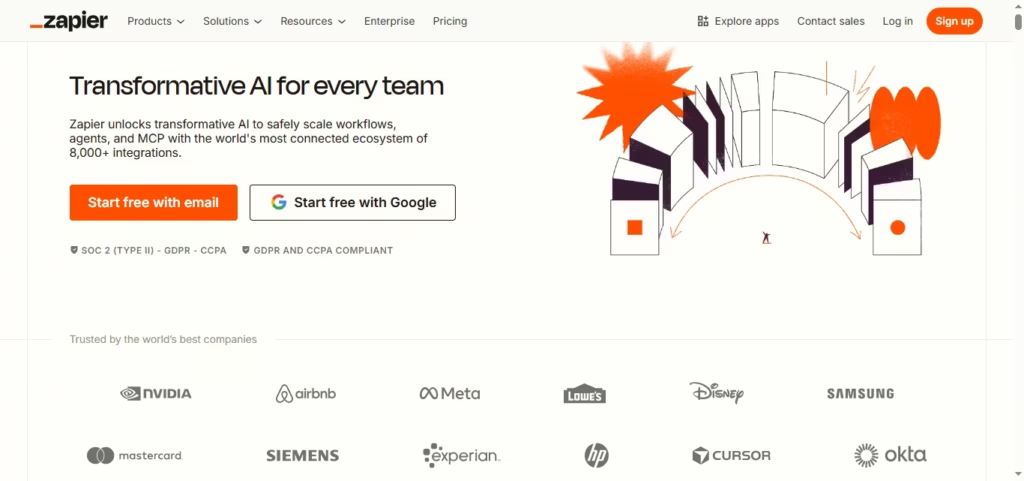
Zapier is often considered one of the easiest workflow automation tools to get started with, especially if you want results quickly without dealing with technical setup. If your work involves moving information between apps—forms, email, spreadsheets, CRMs—Zapier helps you automate those steps so your tools work together without constant manual effort.
At its core, Zapier uses a simple trigger-and-action workflow model. When something happens in one app, Zapier automatically performs actions in others. For example, when a new lead submits a form, you can instantly create a CRM record, notify your team in Slack, and log the data in a spreadsheet. You don’t need to write code or understand APIs to make this work.
What makes Zapier especially practical is how well it fits into real work setups. With integrations across 8,000+ apps, it adapts to the tools you already use instead of forcing you to change them. I’ve seen teams struggle with automation simply because their tools didn’t connect cleanly, and this is where Zapier tends to remove friction quickly.
Zapier also includes optional AI-powered steps that can summarize text, classify data, or transform content inside a workflow. This is useful when your automation involves emails, form responses, or customer messages. You stay in control because AI is applied only where it helps, not baked into every step by default.
With that in mind, Zapier works best when workflows stay relatively straightforward. As automation volume grows or logic becomes more complex, costs can increase, and flexibility can feel limited. From my experience, this is usually the point at which teams start evaluating tools with greater control. Until then, Zapier is still a reliable option if ease of use matters more than customization.
Pros:
- Very easy to use
- Works with 8,000+ apps
- No coding required
Cons:
- Pricing increases with volume
- Limited complex logic
- Less control at scale
Integrates: Zapier, which connects with 8,000+ apps. integrations include Gmail, Slack, Google Sheets, Trello, Salesforce, HubSpot, Asana, Mailchimp, Stripe, Shopify, QuickBooks, Calendly, and more. Categories covering Artificial Intelligence, Commerce, CRM, marketing, productivity, and more.
Pricing: Zapier offers a free plan for light automation, 100 tasks per month. professional $19.99 /month
Make: Visual workflow automation for complex, scalable processes

Make is designed for situations where simple automations are no longer enough, and you need more control over how data moves between systems. If your work involves multi-step processes, conditional logic, or working with large volumes of data, Make gives you a way to build those workflows visually without jumping straight into heavy engineering.
Instead of hiding logic behind simple rules, Make lets you see the entire workflow as a visual map. You can add branching paths, filters, iterators, and aggregators to control how data flows at each step. This makes it easier to reason about complex scenarios, especially when automations touch many tools or require precise sequencing.
One area where Make stands out is data handling. You can clean, transform, and restructure data within a workflow before sending it to the next system. If you’ve ever felt limited by “one trigger, one action” automation, this flexibility is where Make starts to make more sense. I’ve found this particularly useful when workflows involve marketing data, content pipelines, or syncing systems that don’t follow the same structure.
Make also supports AI integrations and webhooks, which help when you want automation to respond to real-time events or work with unstructured inputs like text and content drafts. You stay in control of where AI fits into the workflow, which is important when accuracy and predictability matter more than speed alone.
That said, Make asks more from you as a user. There is a learning curve, and costs are tied to the number of operations a workflow performs. If you don’t monitor usage, expenses can grow. For teams willing to invest time in setup and maintenance, the trade-off is significantly more power and flexibility.
Pros:
- Powerful visual workflow builder
- Handles complex logic well
- Strong data transformation tools
Cons:
- Steeper learning curve
- Costs scale with operations
- Requires monitoring usage
Integrates: Make integrations with 3,000+ apps. Examples include Google Workspace, Facebook, Shopify, WooCommerce, Discord, Xero, Zoom, Twitter, Gmail, Slack, Trello, Notion, Airtable, and more.
Pricing: Make offers a free plan with up to 1,000 credits/month. Core paid plans $9/month up to 10k credits/month
n8n: Open-source workflow automation for technical teams
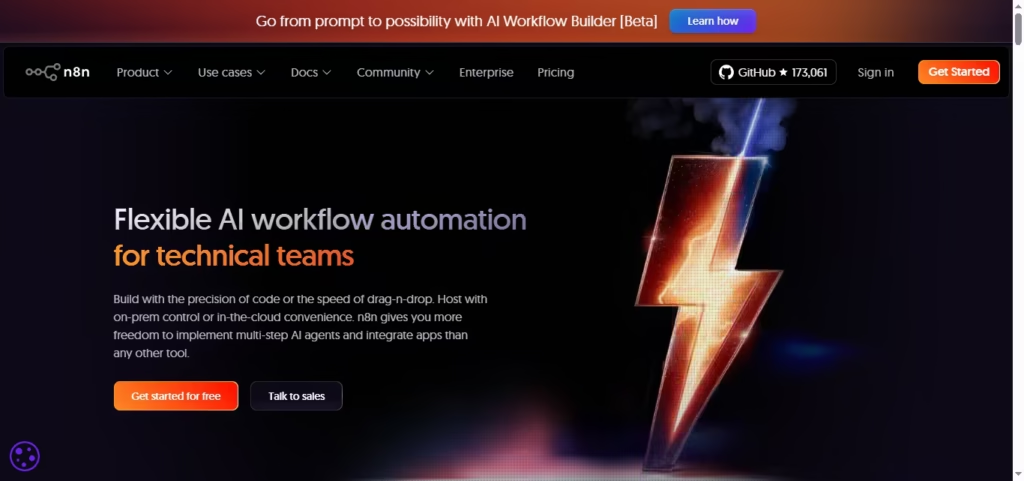
If you need full control over your workflows, n8n provides a unique balance between low-code simplicity and developer-level customization. You can design complex multi-step automations while retaining the ability to add custom JavaScript or connect to proprietary APIs. This makes it ideal if your team works with specialized systems, sensitive data, or needs full ownership over infrastructure.
n8n is structured around a visual workflow builder that clearly maps triggers, actions, and conditional logic. You can self-host it or run it in the cloud, giving you complete control over your data and compliance requirements, such as GDPR. If you want to avoid recurring license fees from tools like Zapier or Make, n8n’s open-source model provides a cost-effective alternative while enabling enterprise-level flexibility.
One of the platform’s strongest features is its ability to handle complex logic. Iterators, branching paths, and custom functions allow you to automate tasks that would be difficult or impossible with typical no-code tools. I’ve found that teams benefit most when they approach n8n as a bridge between engineering and business workflows—allowing technical users to build custom solutions while less technical users can interact through the visual interface.
At the same time, n8n comes with a learning curve. If you’re transitioning from simple no-code platforms, setting up advanced workflows and managing hosting infrastructure can be challenging. That said, once workflows are properly configured, they are highly stable and can scale to handle heavy automation loads. You also have access to 500+ pre-built connectors, which cover most standard needs, and the flexibility to extend with custom nodes or scripts when required.
Pros:
- Open-source and self-hosted
- Handles complex logic and integrations
- Supports custom JavaScript and APIs
Cons:
- Steep learning curve for beginners
- Requires hosting and maintenance
- Some pre-built connectors may need customization
Integrates: n8n supports 400+ native, built-in integrations (nodes). Popular apps include Slack, Google Sheets, Notion, GitHub, Jira, Dropbox, Airtable, Trello, HubSpot, Salesforce. You can also connect any service with custom API connections or webhooks.
Pricing: If you install and run n8n locally or on your server, it’s completely free requires installing via Docker or npm on your own server. Starter plan: $20/month. This is the entry-level cloud plan. Pro plan $50/month If you need more monthly usage, this is the next step up.
Gumloop: No-code AI workflow automation for advanced, AI-driven use cases

Gumloop is built for a specific kind of automation problem: workflows where AI is not an add-on, but the core engine. If your work involves scraping data, reading documents, extracting insights with LLMs, or chaining multiple AI steps together, Gumloop is designed to handle that complexity without forcing you into heavy engineering.
At its core, Gumloop uses a visual, no-code builder, but it feels more flexible than traditional automation tools. You build workflows using Flows, Nodes, and Subflows. Flows define the overall logic, nodes handle individual tasks like scraping or AI processing, and subflows let you reuse complex logic without breaking the main workflow. This structure matters because AI automations often fail when everything is packed into one long chain. Subflows help you isolate errors and keep systems reliable.
What makes Gumloop stand out is how naturally it handles AI-heavy tasks. Instead of awkward workarounds, AI actions feel native. For example, you can create a workflow that searches Google, scrapes top-ranking pages, extracts structured data using an LLM, and then feeds that into another AI step for analysis or content generation. I’ve seen very few tools make this kind of workflow feel this approachable without writing code.
Compared to tools like Make or n8n, Gumloop offers more customization specifically for AI workflows, while remaining accessible for non-technical users. If you’re comfortable with drag-and-drop builders but feel limited by traditional “trigger-action” automations, this tool opens up more creative space.
Gumloop is still a powerful system, and power comes with a learning curve. You’ll need some time to understand how to structure flows cleanly, especially when working with subflows and multi-step AI logic. The platform helps by offering templates and a polished interface, but it’s not meant for ultra-simple automations like “copy a lead from one app to another.”
Pros:
- Designed specifically for AI-powered automations
- Visual builder with strong flexibility
- Subflows make complex workflows more reliable
- Strong UX, templates, and Chrome extension
- Clear stance on data privacy and security
Cons:
- Learning curve for complex AI workflows
- No instant live chat support
- Not ideal for very basic automation needs
Integrates: Gumloop integrates directly with 125+ native, pre-built integrations. Key examples include Google Sheets, Gmail, Slack, Notion, OpenAI, Discord, Google Calendar, and Airtable. Gumloop also has custom integrations with almost any tool in your tech stack
Pricing: Gumloop offers a free plan with up to 2k credits/month. Solo plan start at 37$/month 10k+ credits/month
Relay.app: No-code AI agent automation with human-in-the-loop control
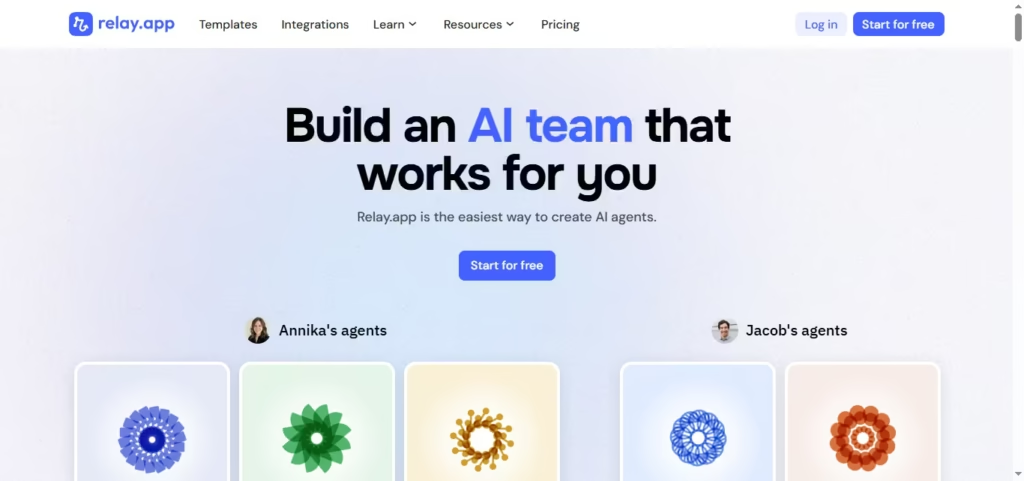
Relay.app is designed around a simple idea: automation should behave less like rigid rules and more like a dependable junior teammate. Instead of chaining basic triggers and actions, you build AI-powered agents that can think, pause, ask for review, and then continue. This makes it especially useful when accuracy and judgment matter, not just speed.
If you work with tools like Gmail, Notion, HubSpot, or internal systems that require approvals, Relay’s human-in-the-loop approach stands out. You can let AI draft emails, process data, or prepare actions, while keeping final control in your hands. That balance matters when automation touches customer communication, sales workflows, or sensitive operations.
Relay is also one of the easiest AI agent builders to get started with. The interface is clean, workflows load fast, and debugging runs are more approachable than in many traditional automation tools. If you’re new to AI agents but already understand basic automation, you’ll likely feel comfortable quickly. I’ve noticed teams adopt it faster because they don’t need to “rethink” how everything works.
Where Relay really earns trust is support. According to G2, multiple users highlight direct access to the founding team and extremely fast feedback loops. Features often ship in response to real usage, not long roadmap promises. That said, scaling workflows across larger teams still has friction, especially around centralized management and deeper run analytics.
Pros:
- AI agents with human review
- Very beginner-friendly setup
- Strong support and fast iteration
- Clean UI and easy debugging
- Good for team workflows
Cons:
- Limited enterprise-level controls
- Workflow scaling needs improvement
- Run analytics could be deeper
Integrates: Relay.app offers direct integrations with 100+ native integrations, including Gmail, Notion, HubSpot, Google Sheets, Salesforce, Airtable, Slack, Monday.com, OpenAI, and more.
Pricing: Relay.app offers a Free plan for 1 user with 500 free AI credits/month. Professional $19/month 5,000 free AI credits/month
Keep reading:
